

Key Takeaways
- Stripe generally costs less than PayPal for most small businesses, with standard fees of 2.9% + $0.30 per transaction compared with PayPal’s 2.9% + $0.30 to 3.49% + $0.49 depending on how the buyer pays
- PayPal’s cross-border and currency conversion charges can add up to roughly 4.4% plus a fixed fee, compared with Stripe’s added 1% cross-border fee and 1% conversion fee
- Chargebacks cost more with PayPal, which charges a $20 chargeback fee plus a standard dispute fee of $15 (sometimes refunded if the merchant wins), while Stripe charges a non-refundable $15 dispute fee and only refunds the separate $15 counter fee if the merchant wins the contest
- Checkout customisation and payout speed both favour Stripe for businesses that want full control over their branding and cash flow
- PayPal still has a place for freelancers who need a trusted, same-day payment option with minimal setup
Choosing a payment processor feels like a small decision until the invoices start piling up and the fees start eating into margin. For self-employed service providers juggling client payments, subscriptions, and the odd overdue invoice, the gap between Stripe and PayPal can quietly cost hundreds of pounds a year. This guide breaks down exactly where that gap comes from.
Stripe Beats PayPal On Standard Fees
For most small businesses selling online, Stripe generally works out cheaper than PayPal once all the fees are added up. The headline rates look close on paper, but the way each platform applies them tells a different story. Stripe charges a flat 2.9% plus $0.30 per transaction regardless of how the customer pays, while PayPal’s rate shifts depending on the payment route a buyer takes.
That difference adds up fast for anyone invoicing clients regularly rather than running occasional one-off sales. Payment processing is one of the quiet pressure points that can bend a freelancer’s pricing decisions without them noticing. Picking the wrong processor does not just cost a percentage point here and there; it can shape how a business prices its services in the first place.
Stripe’s edge becomes clearer the more a business relies on recurring billing, international clients, or branded checkout pages. PayPal still holds genuine advantages in a handful of situations, and those are worth covering fairly rather than dismissing outright. The sections below unpack the actual numbers behind each claim.
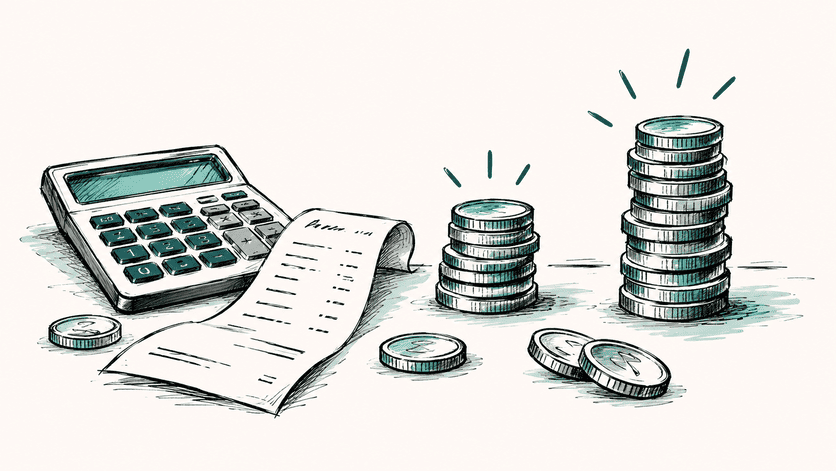
How The Core Fees Actually Compare
Standard transaction rates
Stripe charges 2.9% plus $0.30 on every successful domestic card payment, with no variation based on how the customer completes checkout. PayPal’s standard rate for US freelancers sits at 2.9% plus $0.30 as well when a card is charged directly, but it climbs to 3.49% plus $0.49 when a buyer pays through PayPal Checkout, the familiar branded button most customers actually use. On a $50 domestic card payment, Stripe takes $1.75, whereas the same payment through PayPal Checkout costs $2.24.
American Express payments highlight another gap. Stripe accepts Amex at no extra charge, while PayPal adds a 3.5% fee for Amex processing on a paid plan. For a service provider whose clients frequently pay with Amex corporate cards, that one line item alone can shift the maths firmly in Stripe’s favour.
Micropayments under $26.67
PayPal provides a genuine win for very small transactions. Its micropayment rate applies to sales under $10, charging 5.0% of the transaction plus a small fixed fee of $0.05 for US sales, rather than the standard rate. Because Stripe’s standard 2.9% plus $0.30 includes a larger fixed component, it becomes relatively expensive on tiny sales, so the crossover point sits around micropayments under $26.67.
- Selling low-cost digital add-ons or small deposits under $10 can be genuinely cheaper on PayPal’s micropayment tier
- Anything priced above that rough threshold tends to favour Stripe’s flat percentage structure
- Service providers charging deposits or retainers in higher amounts rarely benefit from the micropayment discount at all
Chargebacks and refunds
Disputes are where the fee gap gets harder to ignore, though the mechanics on both sides are more layered than the headline numbers suggest. Stripe charges a $15 dispute fee that is not refundable, and if the merchant chooses to contest a chargeback, a further $15 counter fee applies, which is refunded if the merchant wins the dispute. Refunds themselves carry no fee at all on Stripe. PayPal charges a $20 chargeback fee on top of a standard dispute fee of $15 (rising to $30 for high-volume sellers), and the standard dispute fee may be refunded only if PayPal rules in the merchant’s favour.
For a one-person agency handling the occasional difficult client, that distinction matters more than it first appears. A handful of chargebacks a year on PayPal, each carrying fees that are not guaranteed back even when the dispute is won, can quietly drain a few hundred pounds that Stripe’s structure might have limited.
Where PayPal Gets Expensive Fast
Cross-border and currency conversion fees
International work is where PayPal’s costs stretch the furthest from Stripe’s. Stripe adds a straightforward 1% fee on cross-border transactions, plus a 1% currency conversion fee when the payment involves an exchange. PayPal’s international fees run considerably higher, typically adding around 4.4% plus a fixed fee that depends on the currency received.
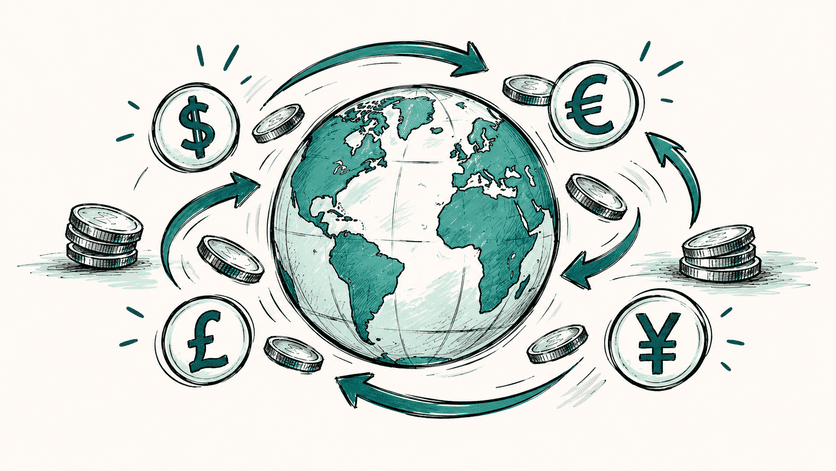
Currency conversion compounds the gap further. Stripe’s conversion fee sits around 1%, while PayPal’s can run to 3-4%. Put the cross-border and conversion charges together on a converted international sale, and total fees can reach nearly 9% with PayPal versus roughly 5.4% with Stripe. For any consultant or coach billing overseas clients regularly, that difference alone can justify switching processors.
Extra charges for recurring billing
Subscription and retainer-based service providers face another divide. Stripe Billing charges 0.7% of billing volume on top of standard processing fees for recurring charges. PayPal Invoicing carries no setup or monthly fee, with only the standard transaction fee applying once an invoice is paid.
For a freelancer running three or four retainer clients, it is worth weighing Stripe Billing’s percentage-based fee against PayPal’s zero-fee invoicing before assuming either platform is automatically cheaper for recurring income.
Beyond The Fee Line: Payouts And Invoicing

How quickly funds reach your account
Cash flow timing matters just as much as the percentage taken off each sale, especially for anyone covering their own expenses between client payments. Stripe’s standard payout typically takes one to three business days for established accounts, though a first payout can take five to eight business days, with an instant payout option available for 1.5% of the payout amount if funds are needed sooner. PayPal funds land in the PayPal balance almost immediately, and standard bank transfers out to an external account take one to three business days for free, with instant transfers costing around 1.75% of the transaction amount.
In practice, the two platforms behave fairly similarly once money needs to reach a real bank account rather than sitting in a balance. The instant transfer fees are close enough that neither platform provides a clear cash-flow advantage worth basing a decision on alone.
Invoicing costs compared
Invoicing tells a slightly different story. Stripe’s Invoicing Starter plan costs 0.4% per paid invoice, capped at $2, while its Invoicing Plus plan costs 0.5% per paid invoice and adds extra tools. PayPal allows invoices to be created and sent with no setup or monthly fees, with only the standard transaction fee applying once a client pays.
For service providers sending a small number of invoices a month, PayPal’s invoicing tool can shave a small amount off total costs. Anyone sending a high volume of invoices, though, may find Stripe’s extra automation and reporting worth the small per-invoice fee, particularly if it saves time chasing payments manually.
Why Checkout Customisation Matters Too
Fees are only half the picture. The checkout experience itself affects how trustworthy and professional a service feels to a client paying for the first time. Stripe offers extensive customisation for checkout pages, letting a business keep its own branding visible throughout the entire payment flow rather than sending customers elsewhere. PayPal’s checkout often redirects buyers to PayPal’s own pages, and customisation options remain limited unless more advanced products are used.
For a consultant or designer selling a premium service, a polished, branded checkout can reinforce the value being charged for. A client being bounced to an unfamiliar PayPal screen mid-purchase can occasionally introduce friction or doubt at exactly the wrong moment. Familiarity cuts both ways, though, and the next section covers where that recognisable PayPal branding actually works in a business’s favour.
When PayPal Still Makes Sense
PayPal earns its place in plenty of freelance toolkits, and dismissing it outright would miss the point. Its biggest strength is recognition. Years of consumer use mean most clients already have an account, already trust the brand, and rarely hesitate to click a PayPal button, which matters enormously for anyone trying to get paid quickly with minimal setup friction.
A handful of scenarios still tilt toward PayPal:
- Launching a payment option today with no development work or technical setup required
- Working with clients who strongly prefer or already default to PayPal for online payments
- Handling frequent very small transactions that fall under the micropayment threshold
- Needing a widely recognised option across a broad range of countries, since PayPal supports over 200 countries and regions compared with Stripe’s merchant support in 46 countries, though Stripe accepts payments from 195+ countries
Many small businesses sidestep the either-or debate entirely by offering both, using Stripe as the primary processor for its lower standard costs and PayPal as a backup for clients who simply prefer it.
Stripe Wins On Cost, PayPal Wins On Trust
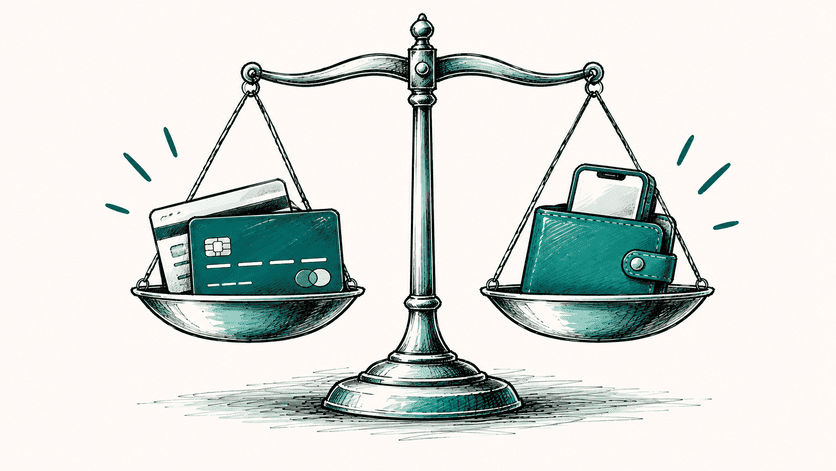
Stepping back, the pattern across fees, disputes, international payments, and checkout control points consistently toward Stripe as the lower-cost option for most small businesses selling services online. PayPal earns its keep through speed of setup and the sheer weight of consumer familiarity, which still counts for something when a nervous first-time client is deciding whether to click “pay.”
The right choice ultimately depends on client base, invoice frequency, and how much international work is involved, so it is worth running the actual numbers against a typical month of invoices before committing to one processor long term. For service providers who want every commercial decision, including the payment processor, built on solid footing, Solo-Solvent treats choices like this as part of the bigger structural picture rather than a one-off admin task.
For a practical next step, running a quick audit of current payment processing fees against actual invoice volume is the fastest way to confirm which platform genuinely costs less.